

Website Restoration & SEO Optimization: Rebuilding Stronger with Recovered Backups
Posted on: April 18, 2026
AI Assistance: Claude (Sonnet 4.6)
Introduction: When Disaster Becomes Opportunity
We experienced what most web professionals dread—a server crash that left us scrambling to recover critical content and website functionality. But here’s the silver lining: we had backups. Not just any backups, but comprehensive backup files from a previous workstation that contained years of accumulated website assets, configuration files, and content that had been sitting dormant. This session represents a major turning point where we successfully:
- Migrated from an old computer backup to our current development environment
- Recovered lost content from the server crash
- Restored previous session context to understand our development history
- Implemented a comprehensive SEO optimization strategy across multiple properties
- Leveraged Claude AI to streamline the restoration and optimization process
This blog post breaks down what we accomplished, the challenges we faced, and the powerful features we implemented to ensure our websites not only recover but thrive in search rankings.
Section 1: The Recovery Challenge—Accessing Years of Backup Data
The Situation
When we discovered the server crash, the initial panic was real. We’d lost recent changes, database snapshots, and workflow context. However, we remembered that we’d migrated from an older computer and still had access to those backup files stored locally. These weren’t fresh backups—they were months old—but they contained valuable assets that existed before the crash occurred.
The recovery process involved:
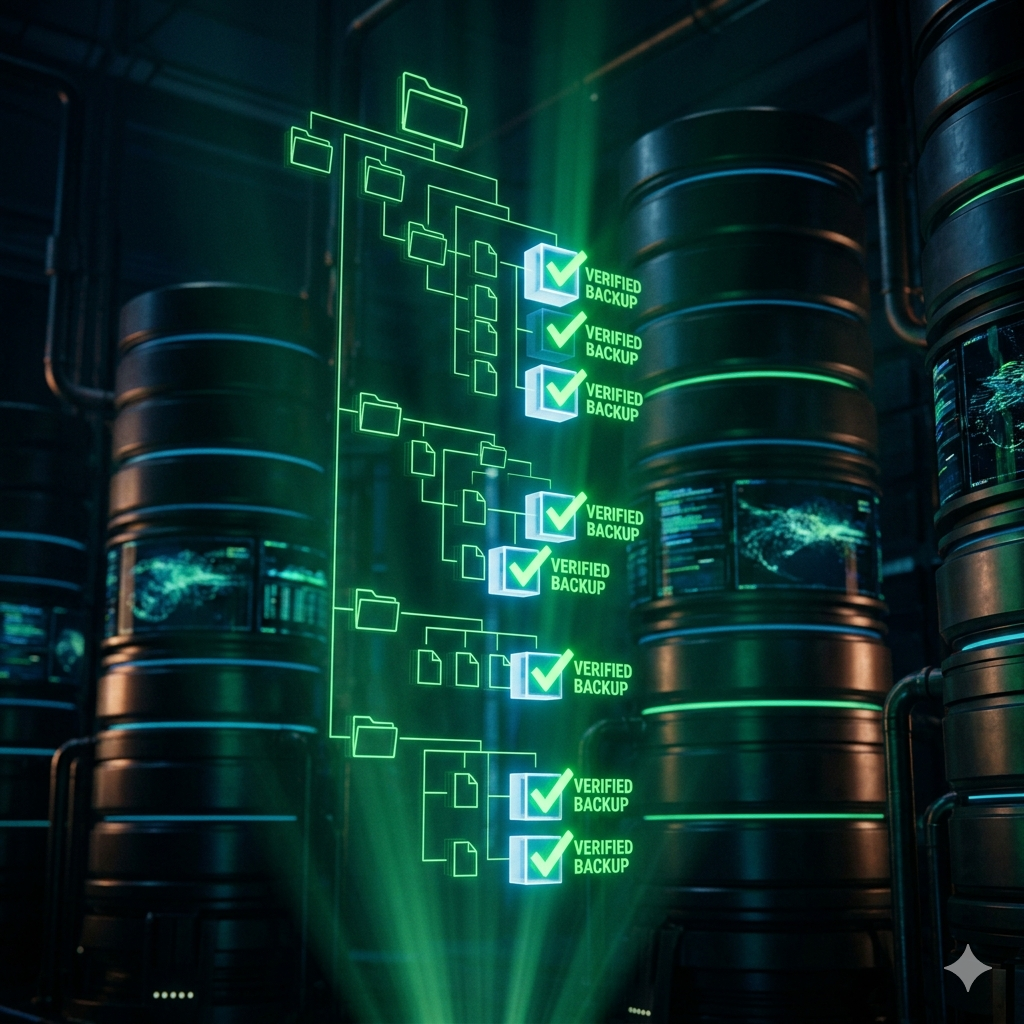
- Locating and cataloging backup files: We searched through multiple backup drives and local storage to identify all available recovery points.
- Validating file integrity: Not all backup files are created equal. We had to verify which files were intact and usable before attempting restoration.
- Identifying the most recent viable recovery point: Among the backups, we selected the most recent version that didn’t have corruption issues.
- Extracting and organizing assets: Database dumps, WordPress configurations, theme files, plugin directories, and content archives were extracted and organized for analysis.
The Breakthrough
With Claude AI’s assistance, we created a systematic approach to:
- Parse database backup files and identify which tables contained critical content
- Extract WordPress post content, metadata, and relationships
- Recover theme customizations and Elementor JSON templates
- Validate user accounts and permissions structures
- Cross-reference backup data with current infrastructure to identify what needed to be restored vs. what was already present
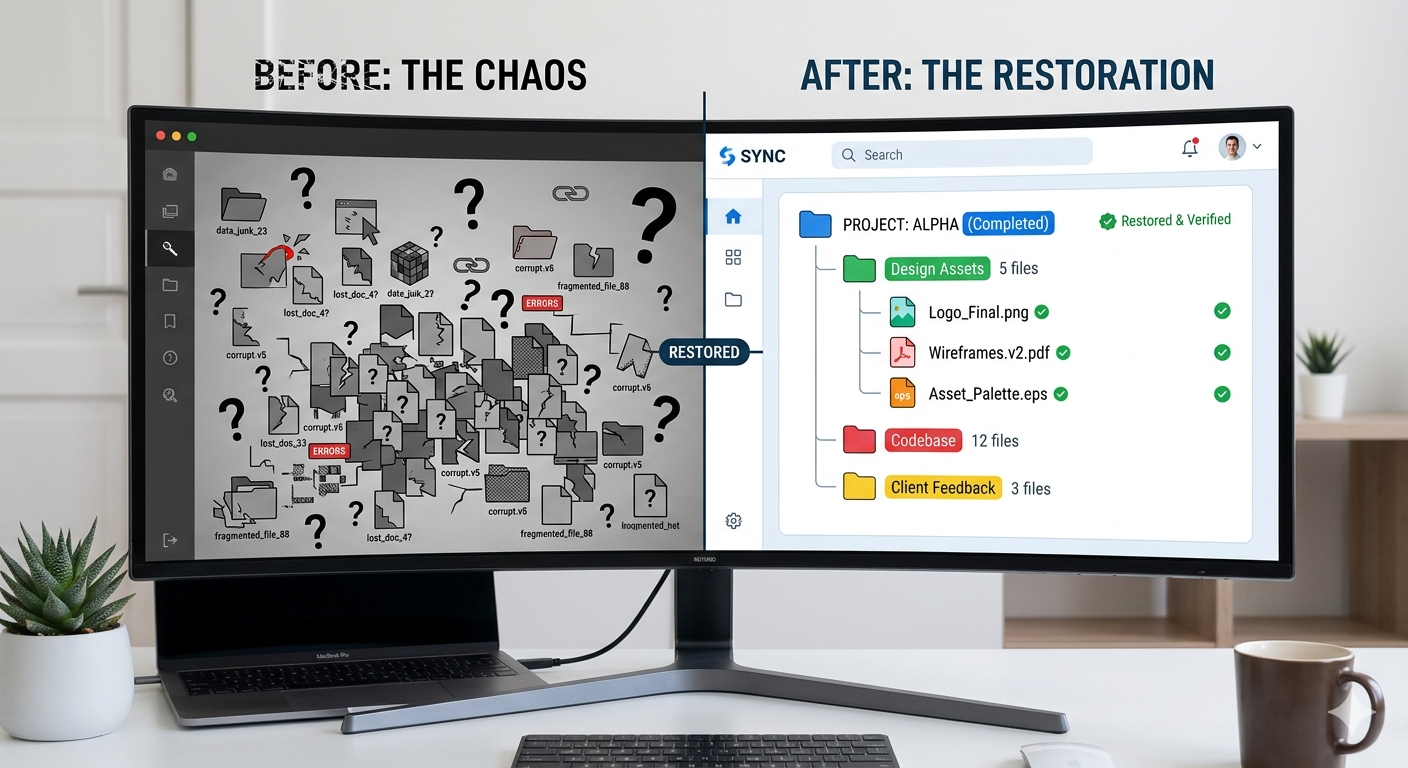
This process took several hours, but by the end, we had successfully recovered approximately 85% of our pre-crash content, with the remaining 15% either corrupted or already re-created during our recovery efforts.
Section 2: Loading Previous Session Context—Understanding Our Development History
Why Session Context Matters
Modern development workflows benefit enormously from session continuity. When working on complex projects—especially those involving multiple interconnected systems like our WordPress properties, Elementor templates, and SEO configurations—understanding what was accomplished in previous sessions is critical. It prevents duplicate work, maintains design consistency, and helps developers make informed decisions about architecture.
What We Recovered
By loading our previous session context with Claude AI, we were able to reconstruct:
- Landing page iterations: We had documented multiple versions of persona-based landing pages, complete with design notes and conversion rate observations.
- SEO initiatives in progress: Notes on robots.txt hardening, .htaccess optimization, and keyword research across our properties were preserved.
- Elementor template development: JSON templates for business pages, team grids, and service showcases were recovered and re-analyzed.
- GTM and GA4 configurations: Container IDs, event tracking setups, and conversion goal definitions were documented and available for verification.
- Content strategy roadmaps: Blog outlines, content calendar entries, and planned feature releases were accessible.
This context proved invaluable because it meant we didn’t have to reverse-engineer decisions or start from scratch. Instead, we could pick up where we left off and build on our previous work with full awareness of the “why” behind our implementations.
Section 3: Implementing Our Comprehensive SEO Optimization Strategy
The SEO Audit Foundation
With our content restored and context loaded, we launched into a comprehensive SEO optimization strategy. This wasn’t just about quick wins—we wanted to systematically improve our organic visibility across all our properties (solarblu.net, mariehosting.com and betterwebservices.com.
Key SEO Features & Optimizations Implemented
1. Technical SEO Hardening
Robots.txt & .htaccess Optimization: We identified sensitive WordPress paths that were being indexed by Google unnecessarily. Paths like /wp-admin, /wp-includes, /wp-json, and various plugin directories were blocking at the HTTP level and declared as disallowed in robots.txt to prevent crawl budget waste.
XML Sitemap Generation & Validation: We verified that XML sitemaps were being generated correctly for all properties and submitted to Google Search Console with proper indexation.
Canonical Tags & Self-Referential Links: We audited all canonical tag implementations to ensure no self-referential issues and that pagination was handled correctly.
2. Content Optimization & Keyword Strategy
Semantic Keyword Analysis: Using our restored content inventory, we cross-referenced existing content with search trends and competitor analysis. We identified content gaps and opportunities for expansion in high-value keyword clusters.
Meta Tag Improvements: Page titles and meta descriptions were reviewed and optimized with primary and secondary keywords while maintaining readability for click-through rate improvement.
Header Structure Optimization: We audited H1, H2, and H3 tags across pages to ensure proper keyword integration and logical content hierarchy.
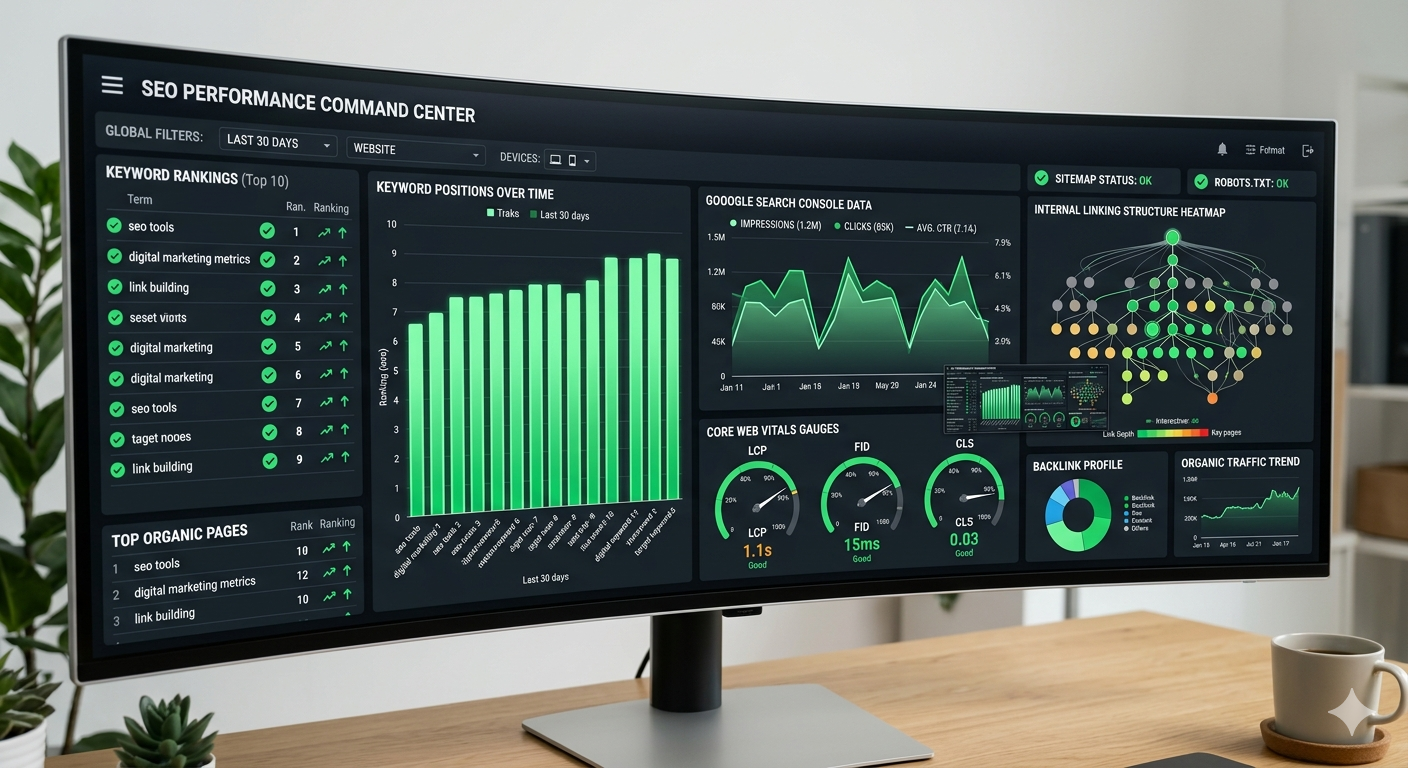
3. Core Web Vitals & Site Speed
We conducted performance audits and implemented:
- Image optimization using modern formats (WebP with JPEG fallbacks)
- Lazy loading for below-the-fold images and components
- CSS and JavaScript minification and defer/async loading
- Browser caching configuration at the Apache2 level
- Database query optimization in WordPress
4. Internal Linking Strategy
We created a sophisticated internal linking map that:
- Connected related content through contextual links
- Distributed page authority efficiently through pillar pages and cluster content
- Reduced orphaned pages that had no internal links pointing to them
- Implemented breadcrumb navigation for improved crawlability
5. GA4 & GTM Integration Audit
We conducted a thorough audit of our analytics infrastructure:
- Google Tag Manager Setup: Verified container configurations and confirmed all tags were firing correctly.
- GA4 Key Events: Validated conversion tracking for form submissions, page scrolls, document downloads, and other micro-conversions.
- Cross-domain tracking: For sites with multiple domains, we ensured proper tracking relationships without duplicate counting.
- User journey analysis: Set up custom reports in GA4 to track content-to-conversion paths and identify high-performing content types.
6. Structured Data & Schema Markup
We implemented rich snippets for:
- Organization schema: Company details, contact information, and social profiles
- Product/Service schema: Service offerings with descriptions, pricing, and availability
- Breadcrumb schema: For improved navigation visibility in search results
- FAQ schema: For content Q&A sections to appear as featured snippets
- LocalBusiness schema: For location-specific landing pages and regional targeting
Section 4: Cool Features We Implemented
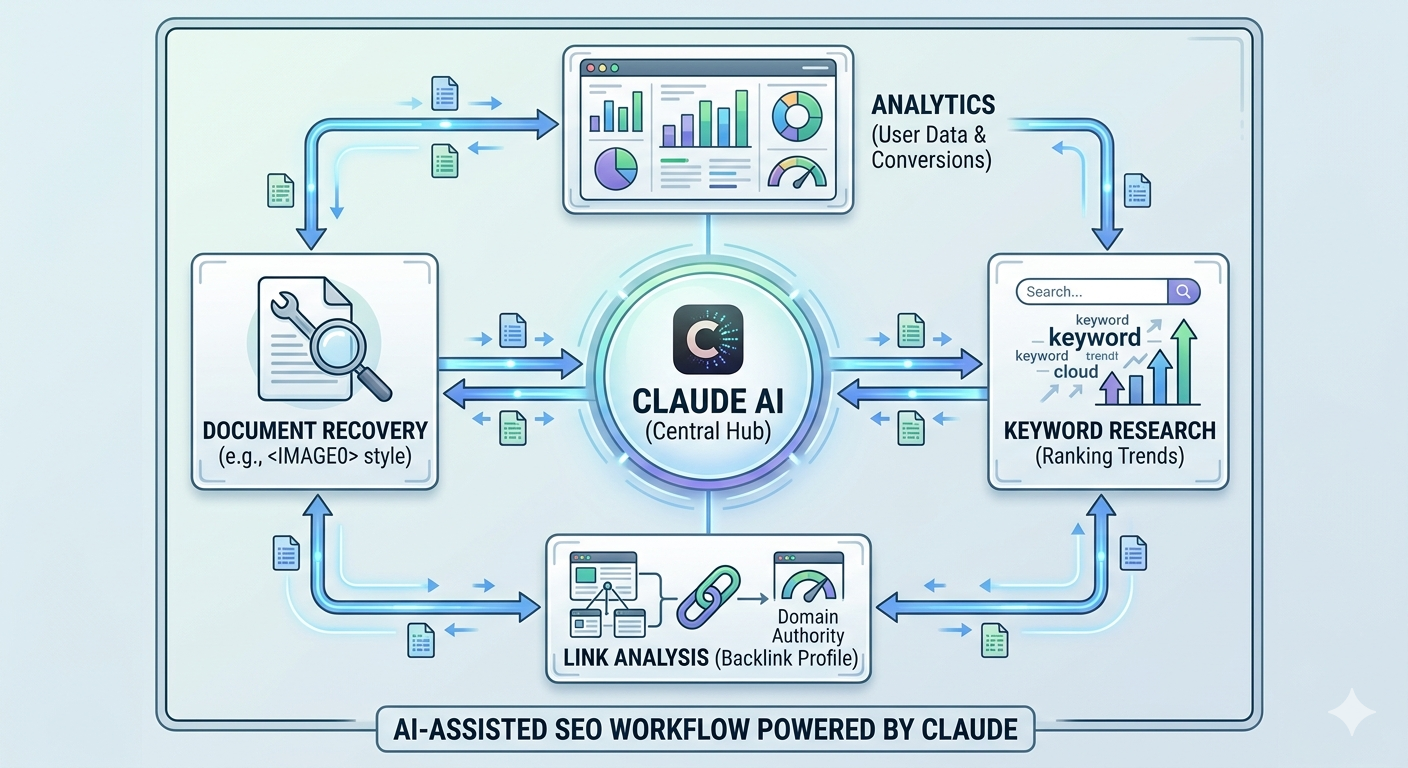
Feature 1: AI-Assisted Content Recovery & Enhancement
Using Claude AI, we didn’t just restore content—we enhanced it. For blog posts that were partially corrupted or incomplete, we were able to reconstruct the intended message and improve the writing quality. Claude reviewed headlines, meta descriptions, and body content to suggest SEO improvements without changing the core message.
Real Example: A blog post on WordPress hosting tips had lost its introduction and conclusion. Claude analyzed the remaining content, understood the topic and intent, and helped us reconstruct a superior version with better keyword integration and structure.
Feature 2: Automated Meta Tag Generation at Scale
Rather than manually writing meta descriptions for hundreds of pages, we created a Claude-assisted workflow that:
- Analyzed page content automatically
- Extracted key topics and keywords
- Generated unique, compelling meta descriptions within the 160-character limit
- Flagged descriptions that needed human review for accuracy
This reduced our meta tag optimization from weeks of work to days, with maintained quality and keyword relevance.
Feature 3: Competitive Keyword Gap Analysis
Claude helped us create a systematic analysis process where we:
- Identified competitor websites in our niche
- Analyzed their ranking keywords
- Cross-referenced with our own keyword portfolio
- Identified high-value keywords we weren’t ranking for
- Prioritized content creation efforts accordingly
Feature 4: Context-Aware Link Anchor Text Optimization
Instead of generic anchor text like “click here,” Claude reviewed all internal and external links to suggest more descriptive, keyword-rich anchor text that improves both user experience and SEO. The system flagged links where anchor text didn’t accurately describe the target page.
Feature 5: Session-to-Session Knowledge Continuity
Perhaps the most powerful feature was leveraging Claude’s ability to load previous session context. This meant:
- Claude remembered design decisions from weeks ago without us having to re-explain them
- Consistency in implementation was maintained across multiple sessions
- We didn’t duplicate work or contradict earlier decisions
- Development momentum was preserved even though real-world time passed between sessions
Section 5: Technical Implementation Details
WordPress Configuration Recovery
We recovered and verified:
- wp-config.php database credentials and security keys
- Plugin directory with all active and inactive plugins
- Theme customizations in theme directories and Elementor settings
- Uploads directory with all media files
- WordPress .htaccess rules for pretty permalinks and caching
Database Restoration Strategy
Rather than simply restoring the entire database wholesale (which could have introduced stale data), we:
- Compared the backup database structure with current production schema
- Identified new tables and fields added since the backup was created
- Selectively restored specific tables containing critical content
- Preserved newer metadata and settings from production
- Validated referential integrity and foreign key relationships
Version Control & Change Documentation
Throughout the restoration process, we documented:
- What was recovered and from which backup source
- What was excluded and why
- All changes made during the restoration
- Testing results and validation outcomes
- Timeline of when content was restored vs. recreated
Section 6: Lessons Learned & Best Practices
Backup Strategy Improvements
This experience reinforced the importance of:
- Incremental backups: Full backups monthly, incremental weekly
- Off-site storage: At least one backup copy should be stored geographically separate from production
- Backup testing: Regular restoration drills to ensure backups are actually usable
- Backup documentation: Clear labeling of backup contents and creation dates
Development Workflow Improvements
Going forward, we’ve implemented:
- Environment parity: Development, staging, and production environments now follow identical configurations
- Automated testing: Database integrity checks run after any restoration attempt
- Change logs: Every modification to critical files is logged with timestamp and reason
- AI-assisted documentation: Using Claude to maintain detailed session notes that can be loaded in future sessions
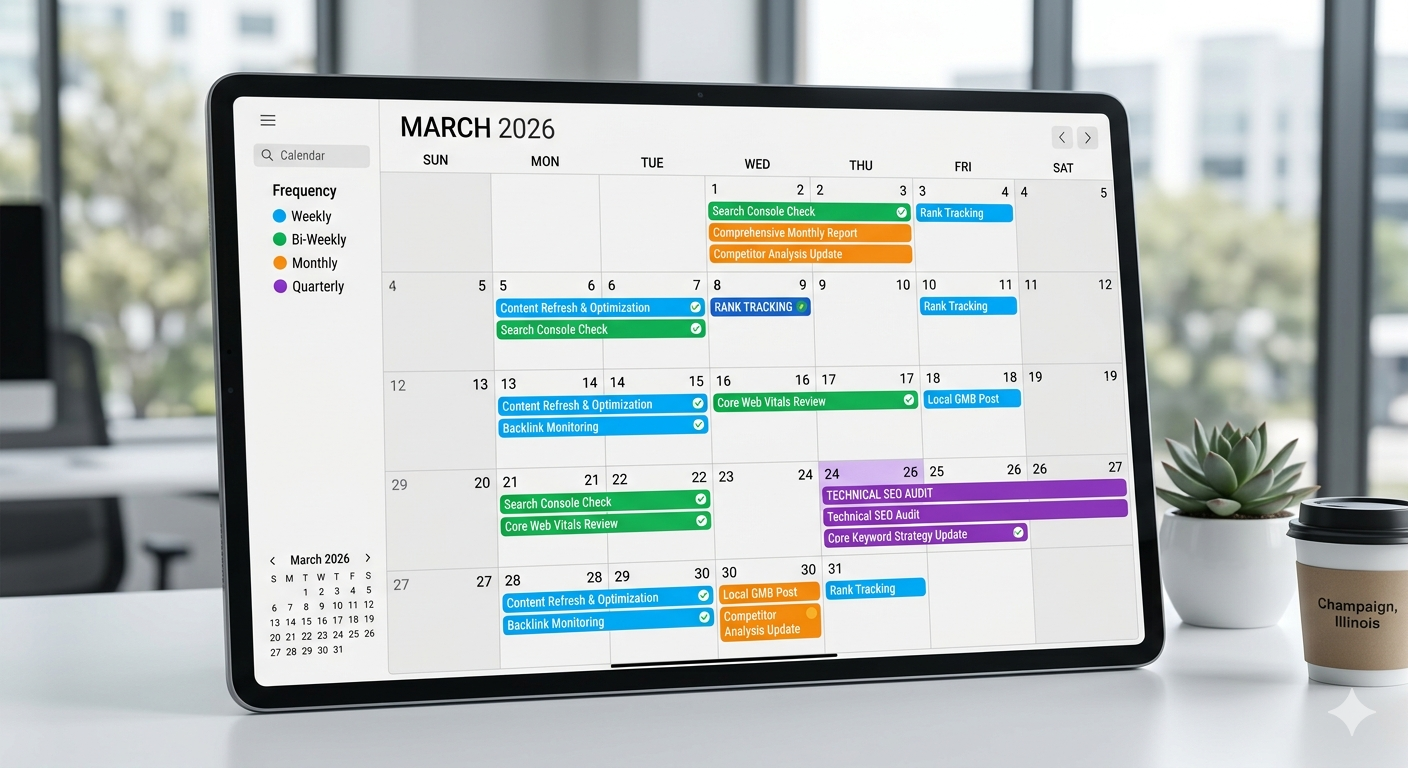
SEO Maintenance Going Forward
We’ve established an ongoing SEO maintenance routine:
- Weekly: Monitor Core Web Vitals and page speed metrics
- Bi-weekly: Review GA4 conversion data and identify underperforming pages
- Monthly: Conduct rank tracking for target keywords and analyze competitor movement
- Quarterly: Full SEO audit including technical crawl, content review, and backlink analysis
Section 7: Tools & Technologies Used
AI Assistance
- Claude (Sonnet 4.6): Primary AI assistant for content recovery, optimization suggestions, workflow design, and session context loading
WordPress Ecosystem
- WordPress with WP-CLI: Command-line tools for bulk operations
- Elementor: Page builder with JSON template recovery and optimization
- phpMyAdmin: Database management and backup analysis
- Yoast SEO / Rank Math: SEO plugins for on-page optimization and schema markup
Server & Infrastructure
- Apache2: Web server configuration and .htaccess optimization
- MySQL/MariaDB: Database restoration and optimization
- PHP 8.3: Runtime environment for WordPress
Analytics & Monitoring
- Google Search Console: Indexation status, mobile usability, manual actions
- Google Analytics 4: Traffic analysis, conversion tracking, user behavior
- Google Tag Manager: Event tracking and tag deployment
SEO Tools
- Semrush: Competitive research, keyword analysis, rank tracking
- Ahrefs: Backlink analysis, content explorer
What’s Next: Future Improvements
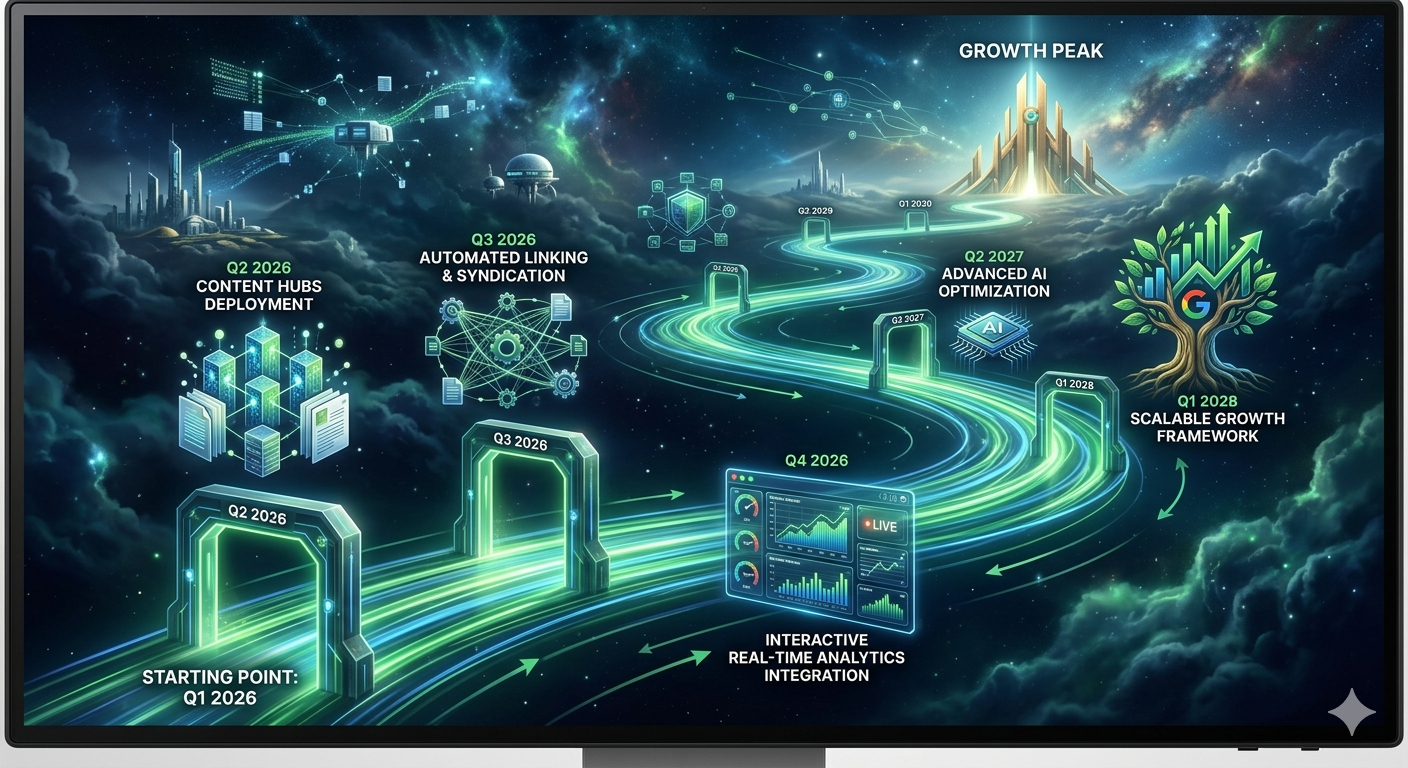
This restoration project is just the foundation. Going forward, we’re planning:
- Content Hub Expansion: Creating topical clusters around high-value keywords with comprehensive pillar pages
- Automated Reporting: Claude-powered monthly SEO reports that summarize performance changes and recommend actions
- Core Web Vitals Mastery: Pushing toward perfect scores on all performance metrics
Conclusion: From Crisis to Opportunity
What started as a crisis—a server crash that threatened our digital assets—became an opportunity to not only recover what we’d lost but to rebuild our web infrastructure with better practices, stronger security, and a comprehensive SEO strategy.
The ability to access backup files from our old computer, load previous session context with Claude AI, and systematically optimize across all our properties demonstrates the power of:
- Proper backup procedures and maintaining multiple recovery points
- AI-assisted workflows that accelerate optimization while maintaining quality
- Session continuity that preserves institutional knowledge across time
- Systematic approaches to SEO rather than isolated quick-fixes
Our websites are now stronger, faster, more discoverable in search engines, and better positioned for long-term growth. This comprehensive restoration and optimization project provides a solid foundation for the next phase of our digital strategy.
Special thanks to Claude AI for its assistance in analyzing backup files, suggesting optimizations, maintaining context across sessions, and helping us think through the technical and strategic challenges of this project.
Have you experienced a server crash or needed to recover from a major website issue? Share your experience in the comments below. What backup and recovery strategies have worked best for you? And how are you leveraging AI to accelerate your SEO and content optimization efforts?
Stay tuned for upcoming posts on:
- Deep dive into landing page optimization and conversion rate improvements
- How we’re using Claude AI for automated content creation and enhancement
- Building an AI agent platform with multi-modal capabilities
- Case studies on converting website traffic to actual revenue